Country Coordinators' Roadmap

Welcome to GLOBE!

To help Country Coordinators navigate the GLOBE Program and website, we've created this roadmap that describes steps that are commonly taken once becoming a Country Coordinator. Click on a section header to display links to related GLOBE content, resources, and available tutorials.

Getting Started Steps

See What You Can Do as a Country Coordinator
View the Tutorial to learn about the Country Coordinator Capabilities on the Website.
Your Account Tasks
  • Access your account settings
  • Manage your personal information and password
  • Check your training records
  • Check to make sure you're in the correct GLOBE organization
Open Your Account Settings
​​​​​Go to your My Observations+ page to find your observations, manage and track guest observations (if you created Guest accounts), and find additional account information.
 

​​​​​​​Click on the profile icon at the top right of any page and then select 'My Observations+' to access the page
Users and Organizations Tasks
View the tutorials to learn how to:
​​​​​​​
  • Access and setup your country site.
  • Learn how to create and manage News and Events.
  • Update your country contact page.
​​​​​​
​​​​​​​
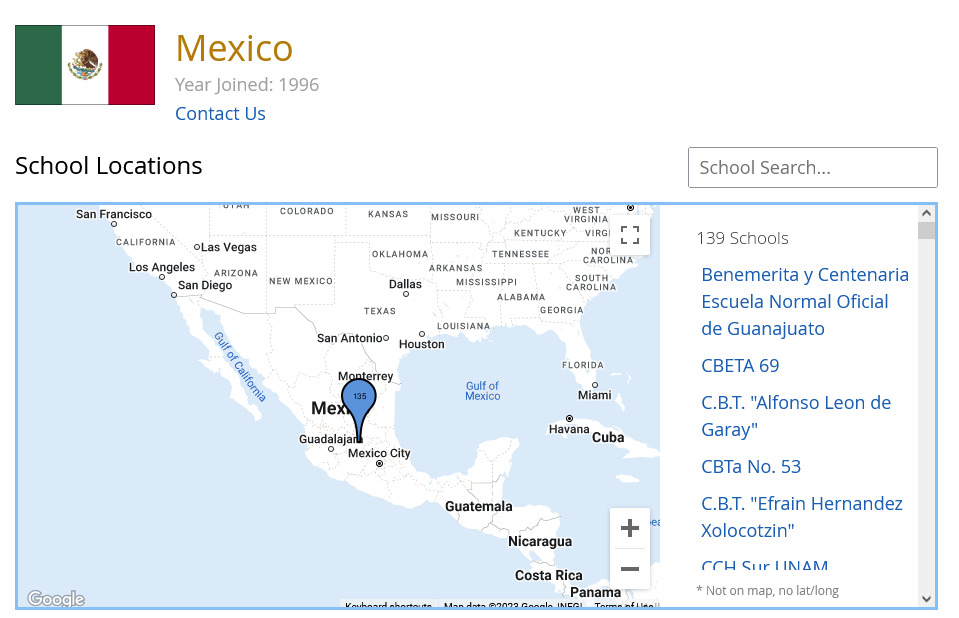
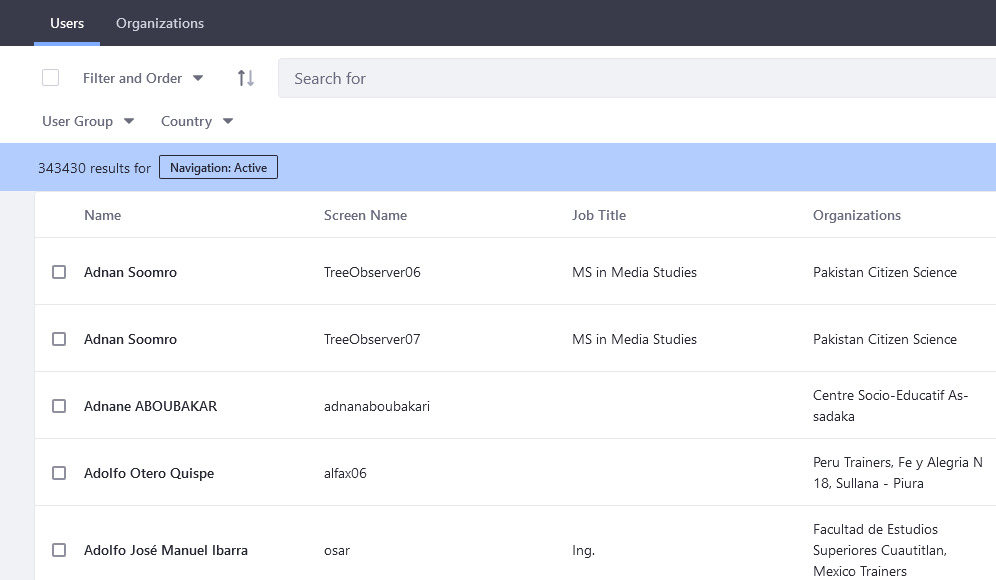
Manage Users and Schools/Organizations
  • See all of your teachers/educators and schools/organizations under your country.
  • View educator profiles to update their personal information and organizations.
  • View schools/organizations to update addresses, Lat/longs and other information.

Access The Partner Dashboard
​​​​​​​

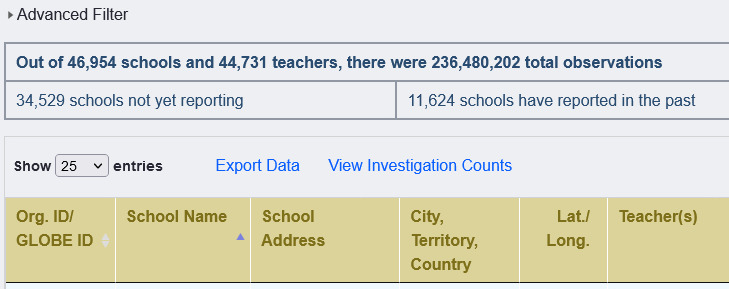
Access The School Status Report
​​​​​​​
  • Use the Workshop Admin Tool to setup and manage your workshops. Workshops can be In-person or virtual. 
  • Access the Workshop Tool by opening the Admin Menu > Manage > Workshop Administration
Open the Workshop Admin Tool
​​​​​​​
  • Use the Trainer Dashboard to approve trainer applicants in your country.
  • Access the Trainer Dashboard by opening the Admin Menu > Manage > Trainer Dashboard
Open the Trainer Dashboard

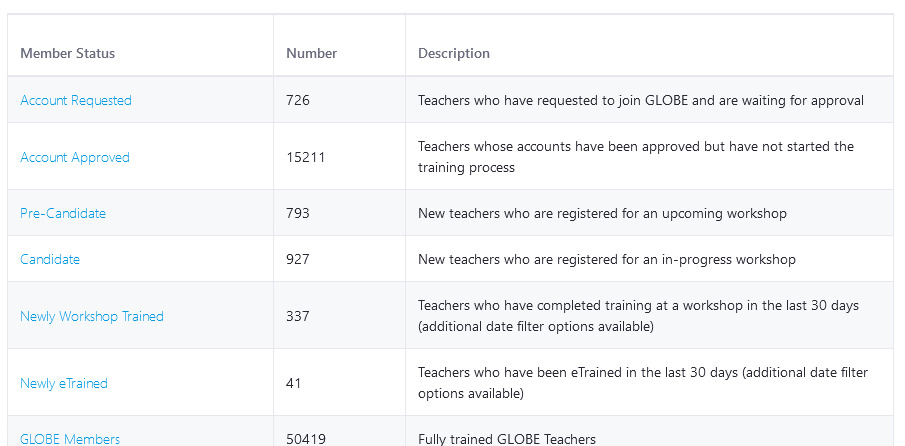
See monthly totals of:

  • Schools/Informal Education Organizations
  • GLOBE Members
  • Total Amounts of Data Entered
  • Projects (Honor Roll, GLOBE Stars and Student Projects)
  • Total Number of Trainers, Master Trainers, Workshops and People Trained at Workshops
​​​​​​​View GLOBE Metrics & Impacts - in the About GLOBE section
​​​​​​​View Country Coordinator Metrics - provides additional metrics for CCs
Data

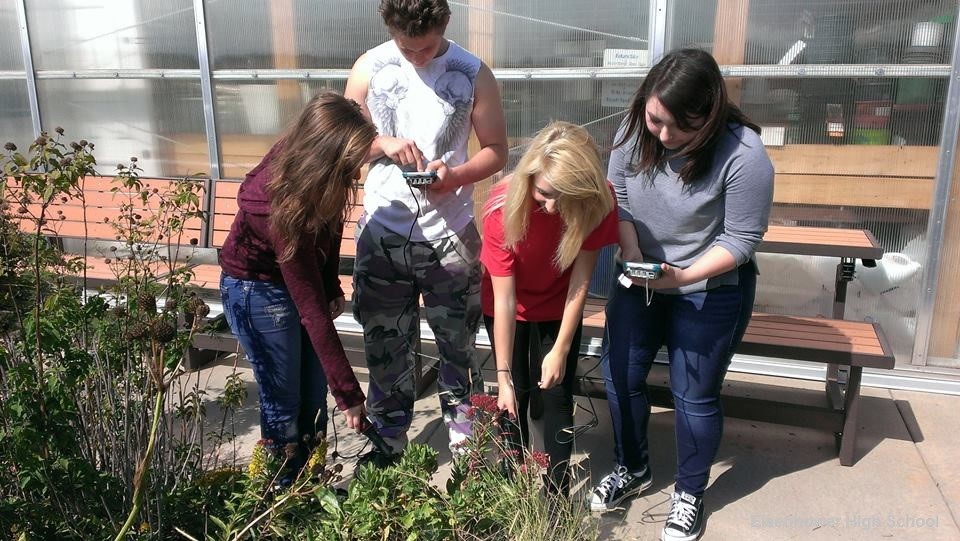
Download the GLOBE Observer app, available for free in Google Play or the App Store. 

The GLOBE Observer app includes some measurements you can enter immediately: Clouds, Mosquito Habitat Mapper, Land Cover, Trees, and Eclipse when appropriate.

The other GLOBE protocols require additional training. After training is complete, you can use the app to enter data for that protocol.
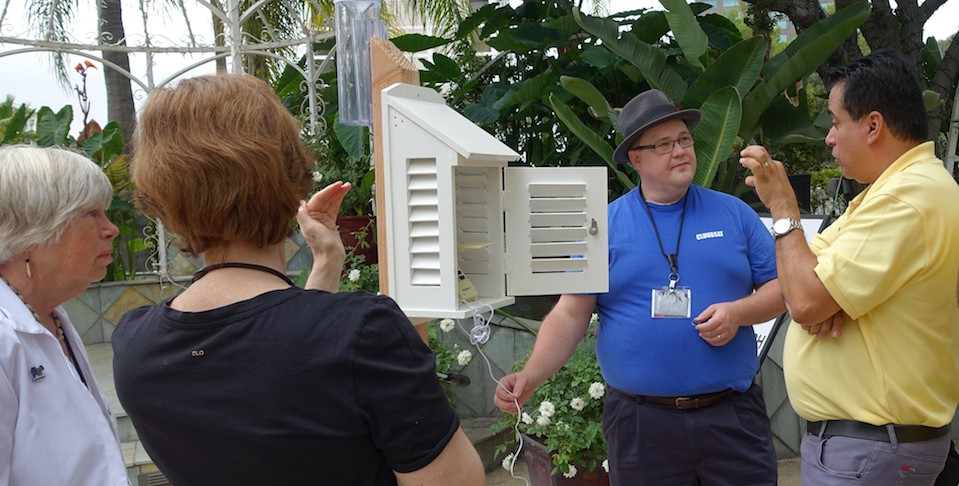
 

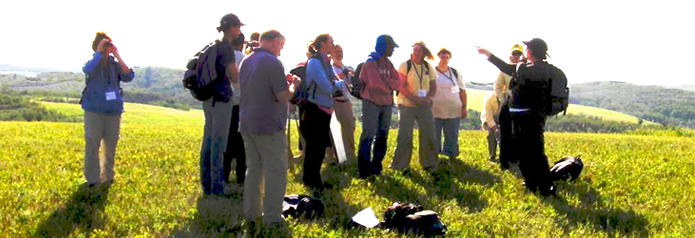
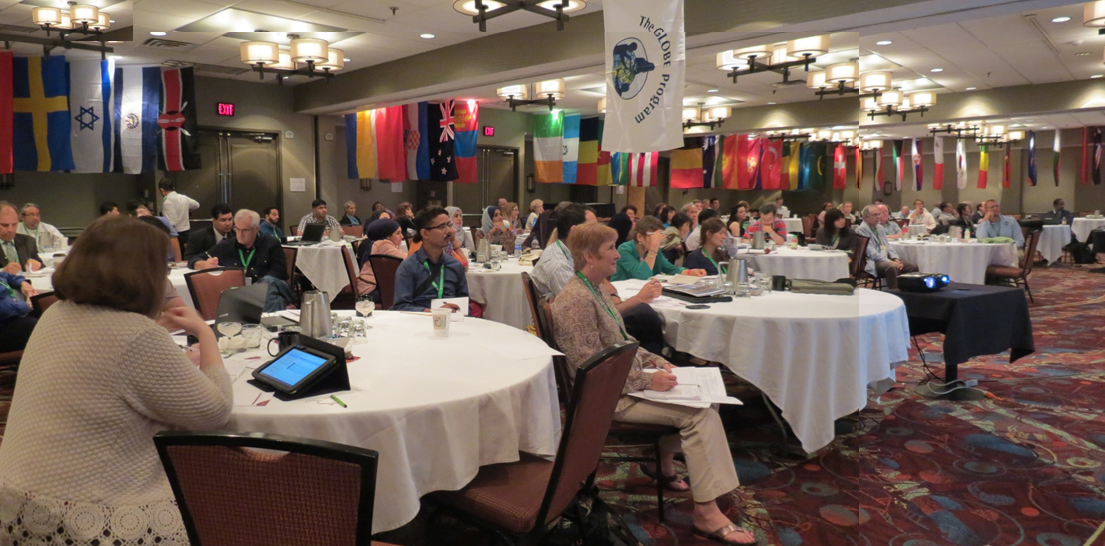
Get eTrained or Attend an In-Person / Virtual Workshop


​​​​​​​What’s covered in the training:

  • Get an in-depth overview of the GLOBE program.
  • Get an introduction to the Earth Science Sphere that interests you.
  • Learn about your selected GLOBE protocol(s), how to define data sites, take measurements and analyze the data.

Log-into the GLOBE Observer app or use the desktop version to setup data sites and enter observations.

Explore the tutorial to l​​​​​earn how to:

  • ​​​​​​​Setup data sites
  • ​​​​​​​​​​​​​​Navigate the data entry forms
  • ​​​​​​​Use Bundles
  • ​​​​​​​​​​​​​​Connect Weather Stations to GLOBE
  • Track Your Observations

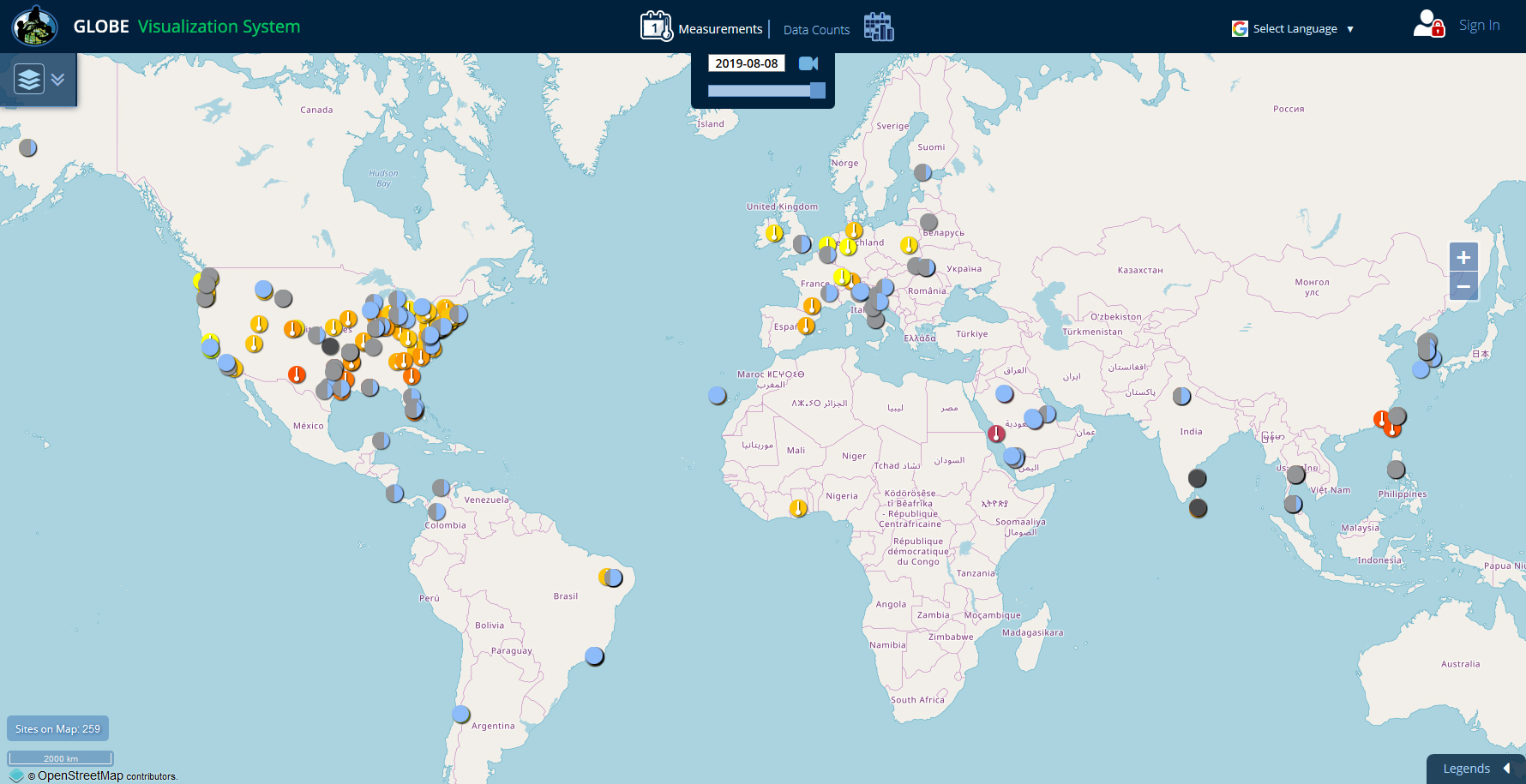
Use one of the 3 tools on the website to view and download your students' data:

  • ​​​​​​​Visualization System - Good for viewing data on a map or chart and for comparing data from multiple sites.

  • ​​​​​​​Advanced Data Access Tool (ADAT) - Good for downloading large amounts of data to a spreadsheet.

  • ​​​​​​​GLOBE API - The GLOBE API is focused on supporting developers who want to use a programmatic interface to retrieve GLOBE data.