Country Coordinators' Roadmap

Welcome to GLOBE!

To help Country Coordinators navigate the GLOBE Program and website, we've created this roadmap that describes steps that are commonly taken once becoming a Country Coordinator. Click on a section header to display links to related GLOBE content, resources, and available tutorials.

Getting Started Steps

See What You Can Do as a Country Coordinator
View the Tutorial to learn about the Country Coordinator Capabilities on the Website.
Your Account Tasks
  • Access your account settings
  • Manage your personal information and password
  • Check your training records
  • Check to make sure you're in the correct GLOBE organization
Open Your Account Settings
​​​​​Go to your My Observations+ page to find your observations, manage and track guest observations (if you created Guest accounts), and find additional account information.
 

​​​​​​​Click on the profile icon at the top right of any page and then select 'My Observations+' to access the page
Users and Organizations Tasks
View the tutorials to learn how to:
​​​​​​​
  • Access and setup your country site.
  • Learn how to create and manage News and Events.
  • Update your country contact page.
​​​​​​
​​​​​​​
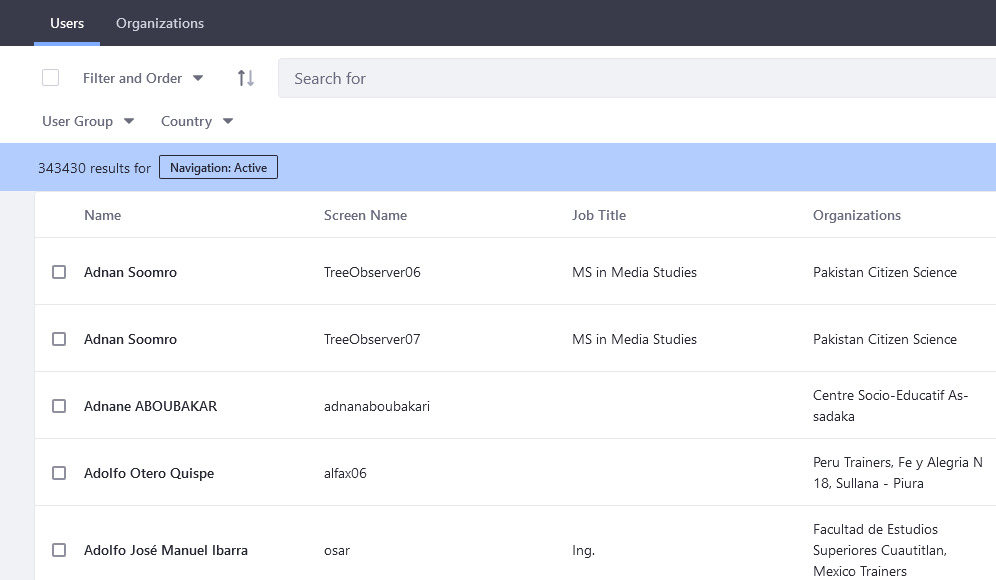
Manage Users and Schools/Organizations
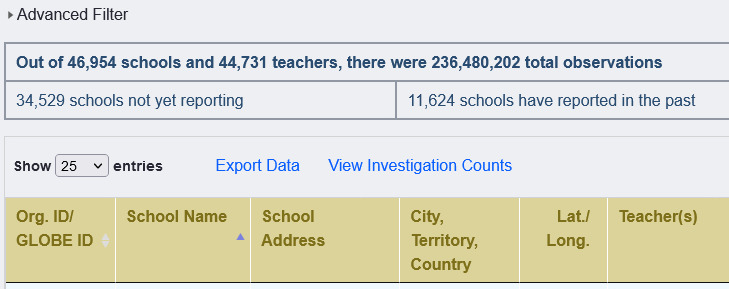
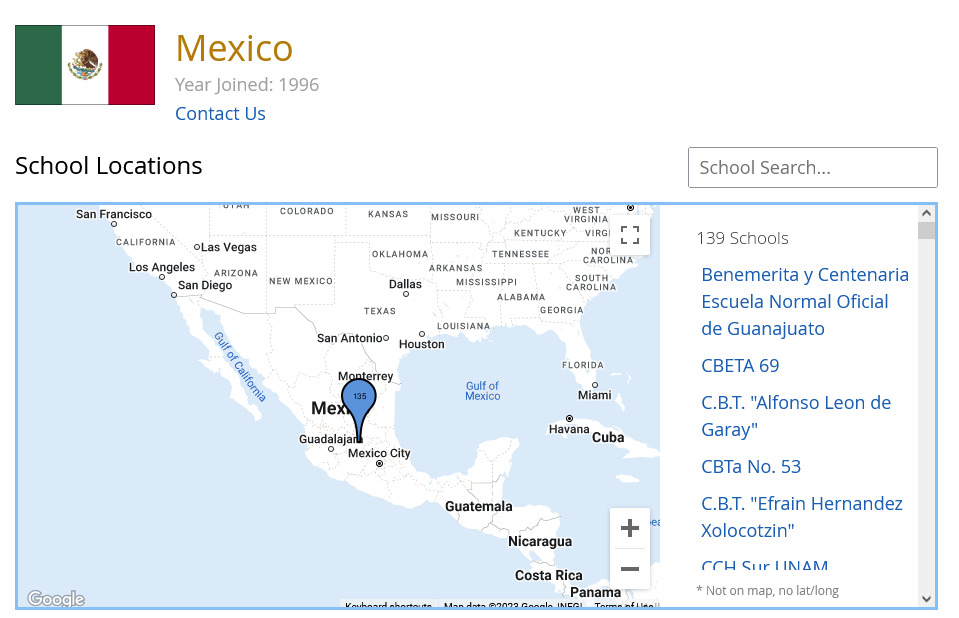
  • See all of your teachers/educators and schools/organizations under your country.
  • View educator profiles to update their personal information and organizations.
  • View schools/organizations to update addresses, Lat/longs and other information.

Access The Partner Dashboard
​​​​​​​

Access The School Status Report
​​​​​​​
  • Use the Workshop Admin Tool to setup and manage your workshops. Workshops can be In-person or virtual. 
  • Access the Workshop Tool by opening the Admin Menu > Manage > Workshop Administration
Open the Workshop Admin Tool
​​​​​​​
  • Use the Trainer Dashboard to approve trainer applicants in your country.
  • Access the Trainer Dashboard by opening the Admin Menu > Manage > Trainer Dashboard
Open the Trainer Dashboard

See monthly totals of:

  • Schools/Informal Education Organizations
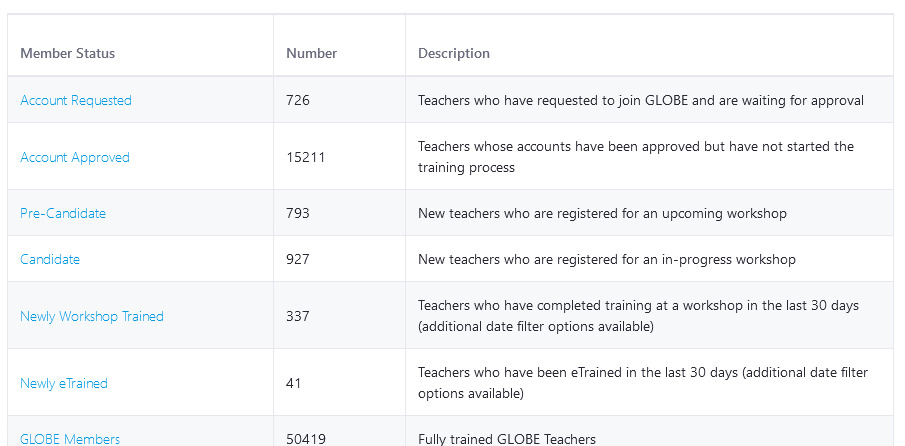
  • GLOBE Members
  • Total Amounts of Data Entered
  • Projects (Honor Roll, GLOBE Stars and Student Projects)
  • Total Number of Trainers, Master Trainers, Workshops and People Trained at Workshops
​​​​​​​View GLOBE Metrics & Impacts - in the About GLOBE section
​​​​​​​View Country Coordinator Metrics - provides additional metrics for CCs
Data

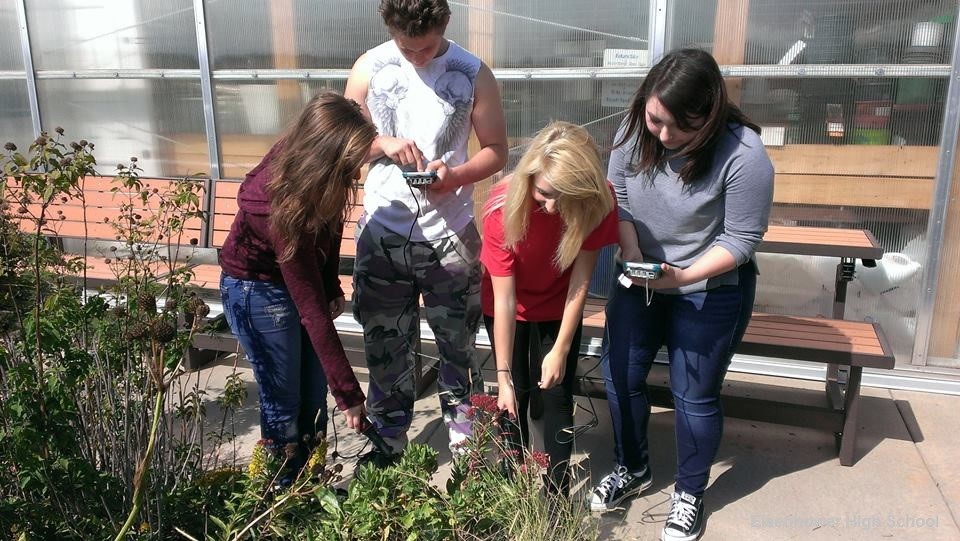
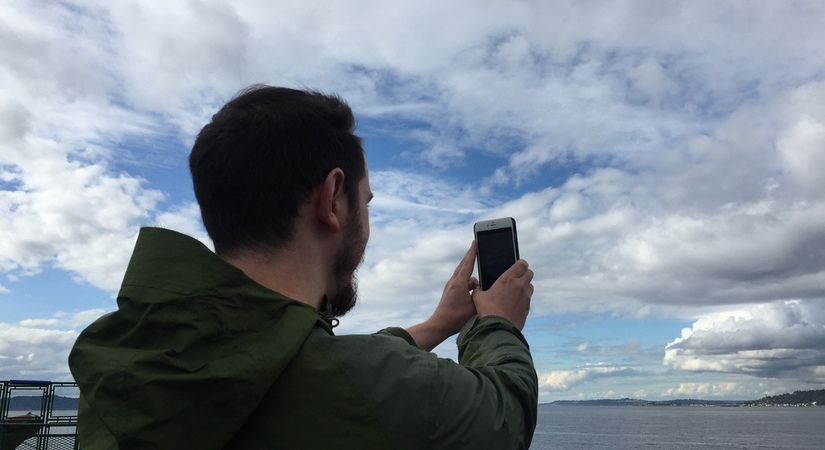
Download the app for free to enter measurements immediately for the four citizen scientists’ protocols – Clouds, Mosquito Habit Mapper, Land Cover and Tree Height.

Once you complete a training for a GLOBE Protocol, you will be able to enter data for that protocol through the app or website.
​​​​​​​
Learn more about the GLOBE Observer App and how to download it.

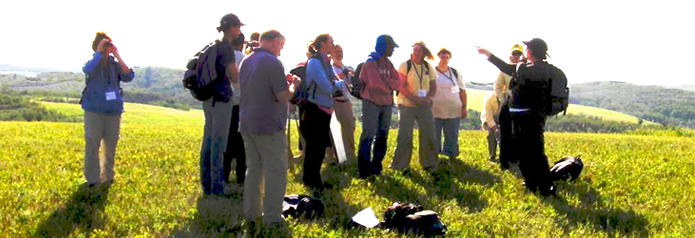
Get eTrained or Attend an In-Person / Virtual Workshop


​​​​​​​What’s covered in the training:

  • Get an in-depth overview of the GLOBE program.
  • Get an introduction to the Earth Science Sphere that interests you.
  • Learn about your selected GLOBE protocol(s), how to define data sites, take measurements and analyze the data.

Log-into the GLOBE Observer app or use the desktop version to setup data sites and enter observations.

Explore the tutorial to l​​​​​earn how to:

  • ​​​​​​​Setup data sites
  • ​​​​​​​​​​​​​​Navigate the data entry forms
  • ​​​​​​​Use Bundles
  • ​​​​​​​​​​​​​​Connect Weather Stations to GLOBE
  • Track Your Observations

Use one of the 3 tools on the website to view and download your students' data:

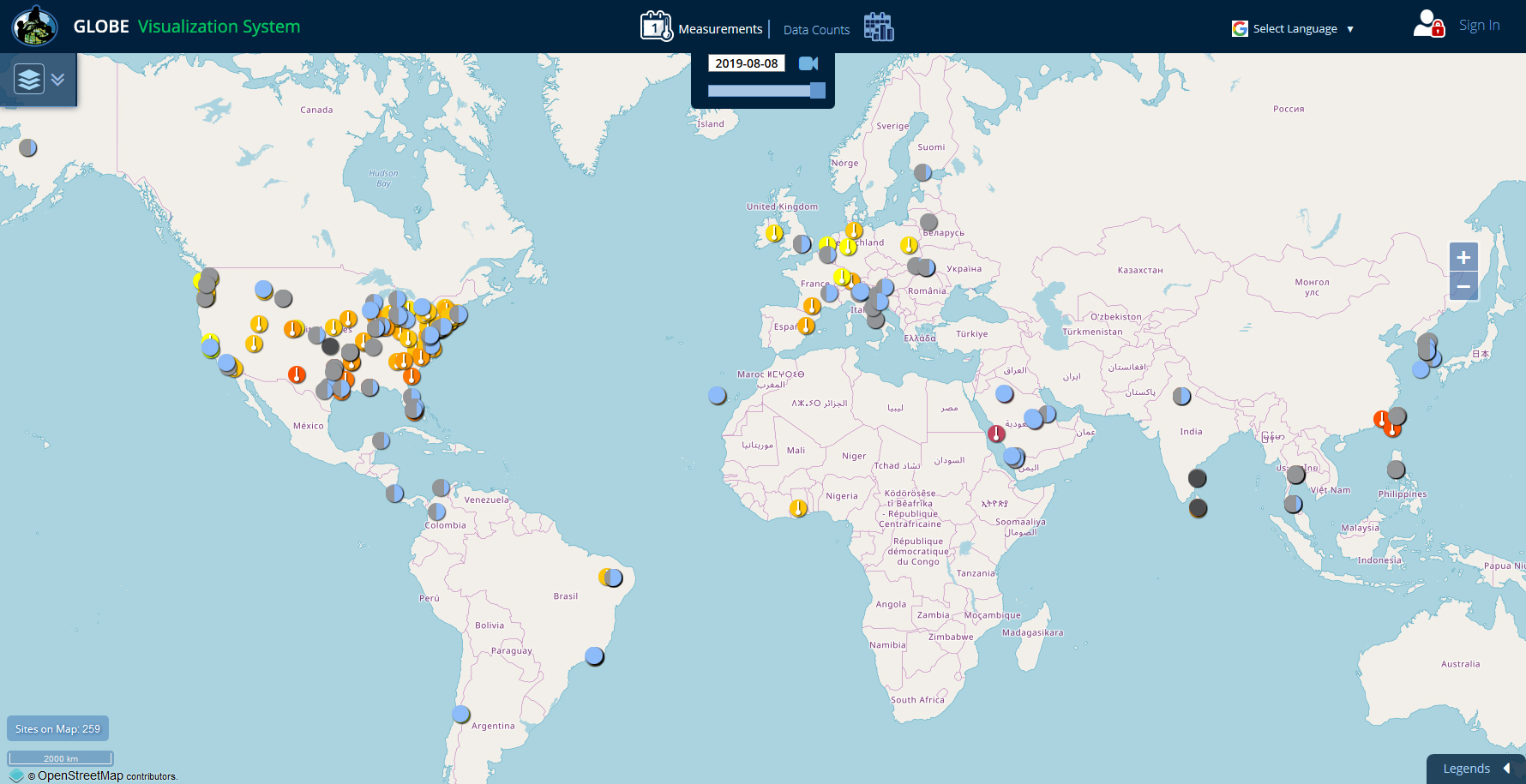
  • ​​​​​​​Visualization System - Good for viewing data on a map or chart and for comparing data from multiple sites.

  • ​​​​​​​Advanced Data Access Tool (ADAT) - Good for downloading large amounts of data to a spreadsheet.

  • ​​​​​​​GLOBE API - The GLOBE API is focused on supporting developers who want to use a programmatic interface to retrieve GLOBE data.