



Steps to Getting Started
- Download the Responsibilities and Expectations of U.S. GLOBE Partners.
- View the Partner User Guide Padlet - a launching pad that includes resources and links which Partners may find useful in their work.
To help U.S. Partners navigate the GLOBE Program and website, we've created this roadmap that contains common steps Partners might take once becoming a Partner. Click on a section header to display links to related GLOBE content, resources, and available tutorials.
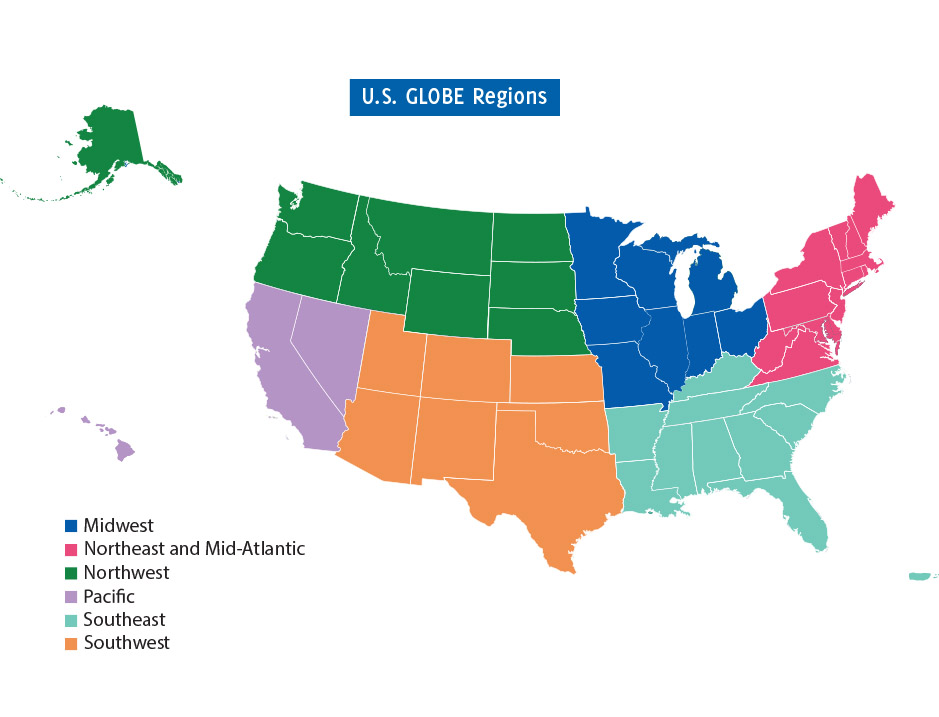
Find resources for U.S. Partners.
Your Account

Go to your My Observations+ page to find your observations, manage and track guest observations (if you created Guest accounts), and find additional account information.
Click on the profile icon at the top right of any page and then select 'My Observations+' to access the page.
Users and Organizations
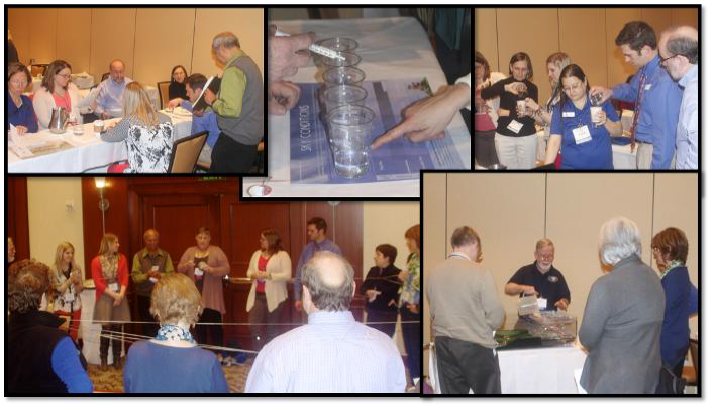
Data

Download the GLOBE Observer app, available for free in Google Play or the App Store.
The GLOBE Observer app includes some measurements you can enter immediately: Clouds, Mosquito Habitat Mapper, Land Cover, Trees, and Eclipse when appropriate.
The other GLOBE protocols require additional training. After training is complete, you can use the app to enter data for that protocol.
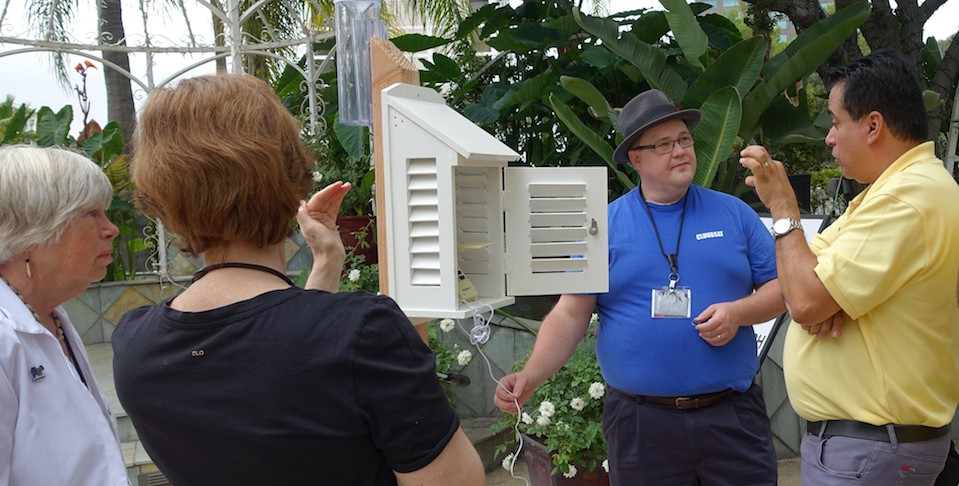
What’s covered in the training:
Once you complete a training for a GLOBE Protocol, you will be able to enter data for that protocol through the app or website.
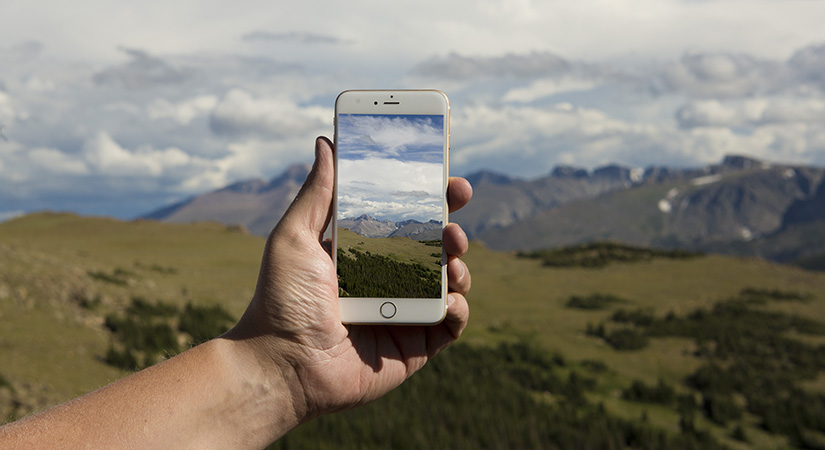
Log in to the GLOBE Observer app or use the desktop version to setup data sites and enter observations.
Explore the tutorial to learn how to:
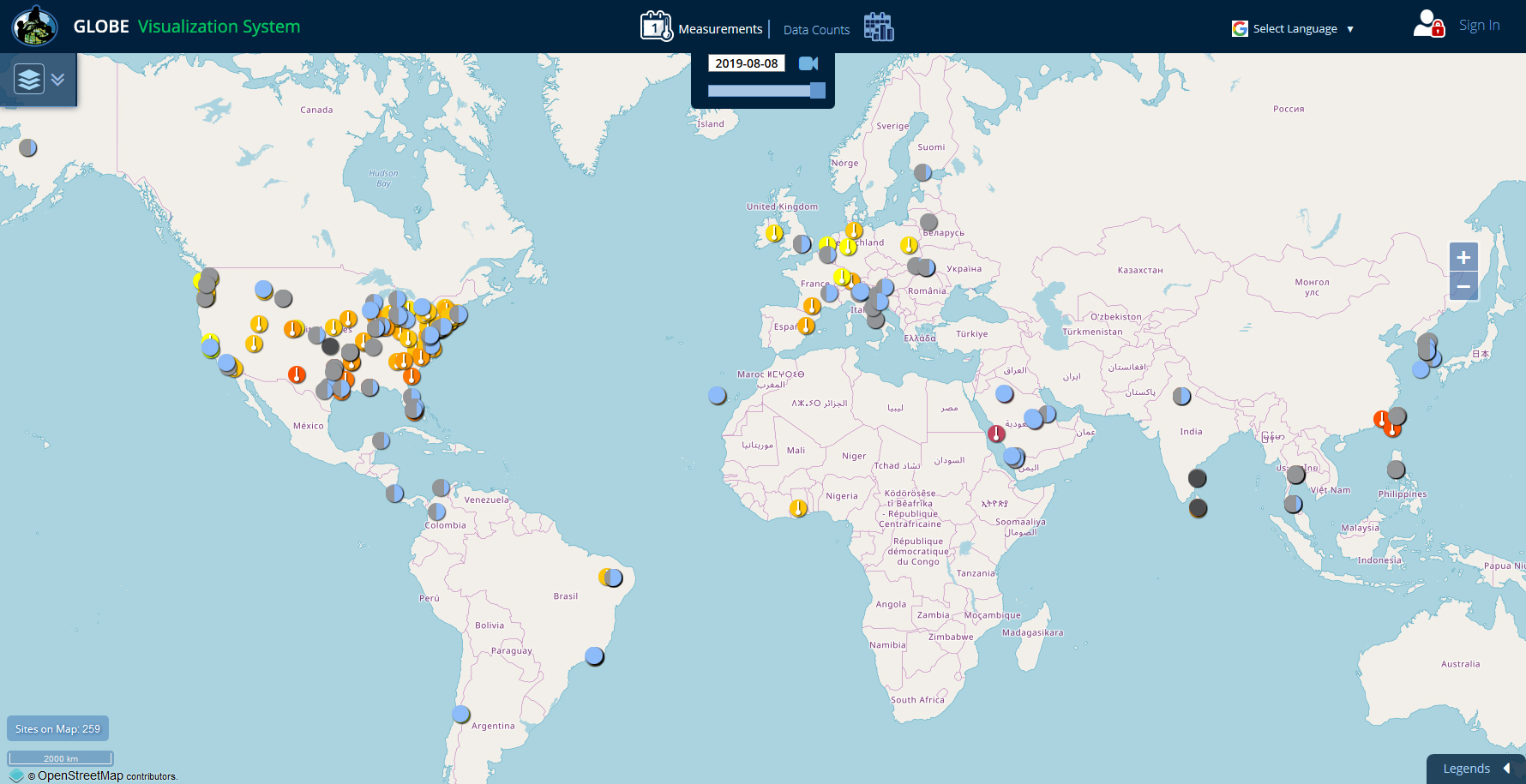
Use one of the 3 tools on the website to view and download your students' data:
Visualization System - Good for viewing data on a map or chart and for comparing data from multiple sites.
Advanced Data Access Tool (ADAT) - Good for downloading large amounts of data to a spreadsheet.
GLOBE API - The GLOBE API is focused on supporting developers who want to use a programmatic interface to retrieve GLOBE data.