Scientists / STEM Professionals' Roadmap

Welcome to GLOBE!

To help Scientists / STEM Professionals navigate the GLOBE Program and website, we've created this roadmap that describes steps commonly taken by STEM professionals to become more involved with GLOBE. Click on a section header to display links to related GLOBE content, resources and available tutorials.

Required Steps to be a GLOBE Scientist

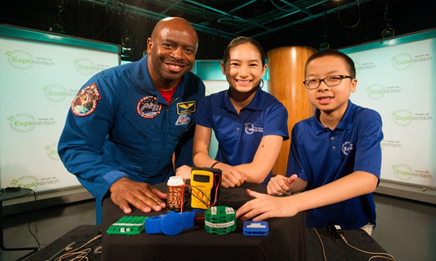
The GLOBE International STEM Network (GISN) is the bridge connecting the researchers of today with those of tomorrow. An international coalition of science, technology, engineering and mathematics (STEM) professionals, members of the GISN work to promote Earth science and education in schools and classrooms. These professionals can act as student mentors for research projects, volunteer as judges for school and virtual science fairs, or form other meaningful relationships with students, teachers and STEM professionals.

Learn more and how to apply.

​​​​​​​Once approved and a member, you will be able to:

  • Gain access to GISN members and resources.
  • Have your organization become a GLOBE school/organization.
  • Get your own personal public page to share your activities, and accomplishments.
  • Have the ability to create scientist blogs on the website.
  • Get listed in search results on the GLOBE website.
  • ​​​​​​​Create and manage Guest accounts, if desired.
  • Participate in reviewing newly submitted student research reports.
  • Connect with and mentor GLOBE schools.

​​​​​​​Plus, the capabilities you already have with a basic GLOBE Observer account:

  • Enter observations for the four Citizen Science protocols (Clouds, Landcover, Mosquito Habitat Mapper, Trees) using the GLOBE Observer app.
  • Create GLOBE Teams.
  • ​​​​​​​Upload student research reports.
Your Account
Verify / Update Your Account Information
  • Access your account settings
  • Manage your personal information and password
  • Check your training records
  • Check to make sure you're in the correct GLOBE organization
Open Your Account Settings

Setup / Verify Your GLOBE Organization
  • Access your GLOBE Organization profile to ensure the information (address, lat/long, etc.) is correct.
  • View your organization's site to verify the information. Are you listed?
  • Get your organization's referral code (used to allow others to join your organization).

Note: You should have the org manager role, by default, to manage your organization.
Contact the GLOBE Help Desk if you cannot access your org's information.

​​​​​​Go to your My Observations+ page to find your observations, manage and track guest observations (if you created Guest accounts), and find additional account information.
 

Click on the profile icon at the top right of any page and then select 'My Observations+' to access the page.

Resources

The GLOBE Program is committed to providing STEM education of the highest quality to communities around the world, and the GLOBE International STEM Network (GISN) is an important part of that mission. In order to support the GISN, we've collected a wide range of instructive and engaging resources for members to use as they see fit. 

Access the Resources section to learn:

  • ​​​​​​​The ways to participate.
  • ​​​​​​​Being a Mentor.
  • ​​​​​​​How to stay up to date with all the latest GISN announcements and News and Events.
  • ​​​​​​​And more
​​​​​​​Explore the GISN Resources Page

Explore how scientists have used GLOBE data in their research to provide you with important background information for classroom projects, as well as inspire you with ideas on how to use our databases in your own work. 

​​​​​​​View the Publications Page

​​​​​​​

Learn how to access and interpret GLOBE data with the GLOBE Data User Guide. Inside, members can find appendices on GLOBE's associated metadata, the types of variables available for download, as well as primers for GLOBE’s four public-facing protocols.

​​​​​​​View the GLOBE Data User Guide
Data

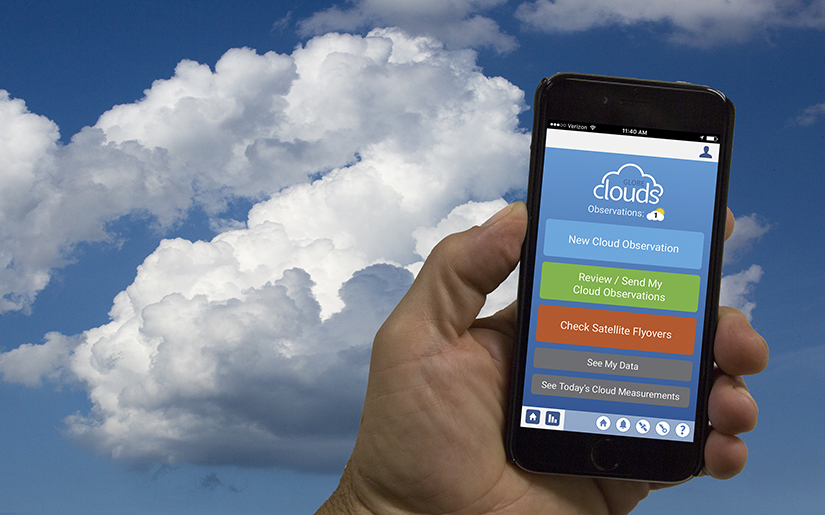
Download the app for free to enter measurements immediately for the four citizen scientists’ protocols – Clouds, Mosquito Habit Mapper, Land Cover and Tree Height.

Once you complete a training for a GLOBE Protocol, you will be able to enter data for that protocol through the app or website.
​​​​​​​
Learn more about the GLOBE Observer App and how to download it.

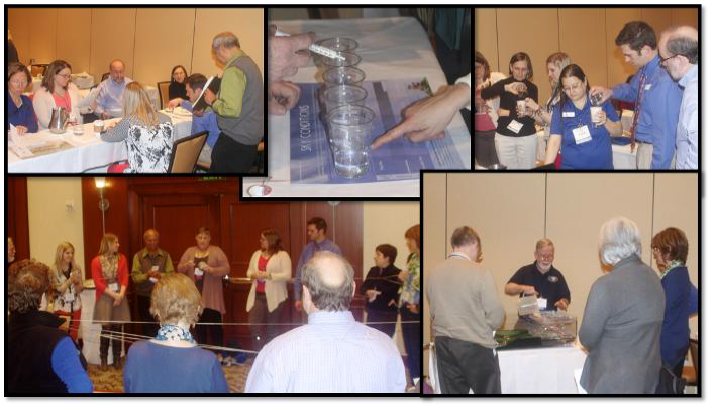
Get eTrained or Attend an In-Person / Virtual Workshop


​​​​​​​What’s covered in the training:

  • Get an in-depth overview of the GLOBE program.
  • Get an introduction to the Earth Science Sphere that interests you.
  • Learn about your selected GLOBE protocol(s), how to define data sites, conduct measurements and analyze the data.
​​​​​

Log in to the GLOBE Observer app or use the desktop version to setup data sites and enter observations.

Explore the tutorials to learn how to:

  • ​​​​​​​Setup data sites
  • ​​​​​​​​​​​​​​Navigate the data entry forms
  • ​​​​​​​Use Bundles
  • ​​​​​​​​​​​​​​Connect Weather Stations to GLOBE
  • Track Your Observations
Data Visualization & Retrieval

Use one of the 3 tools on the website to view and download your students' data:

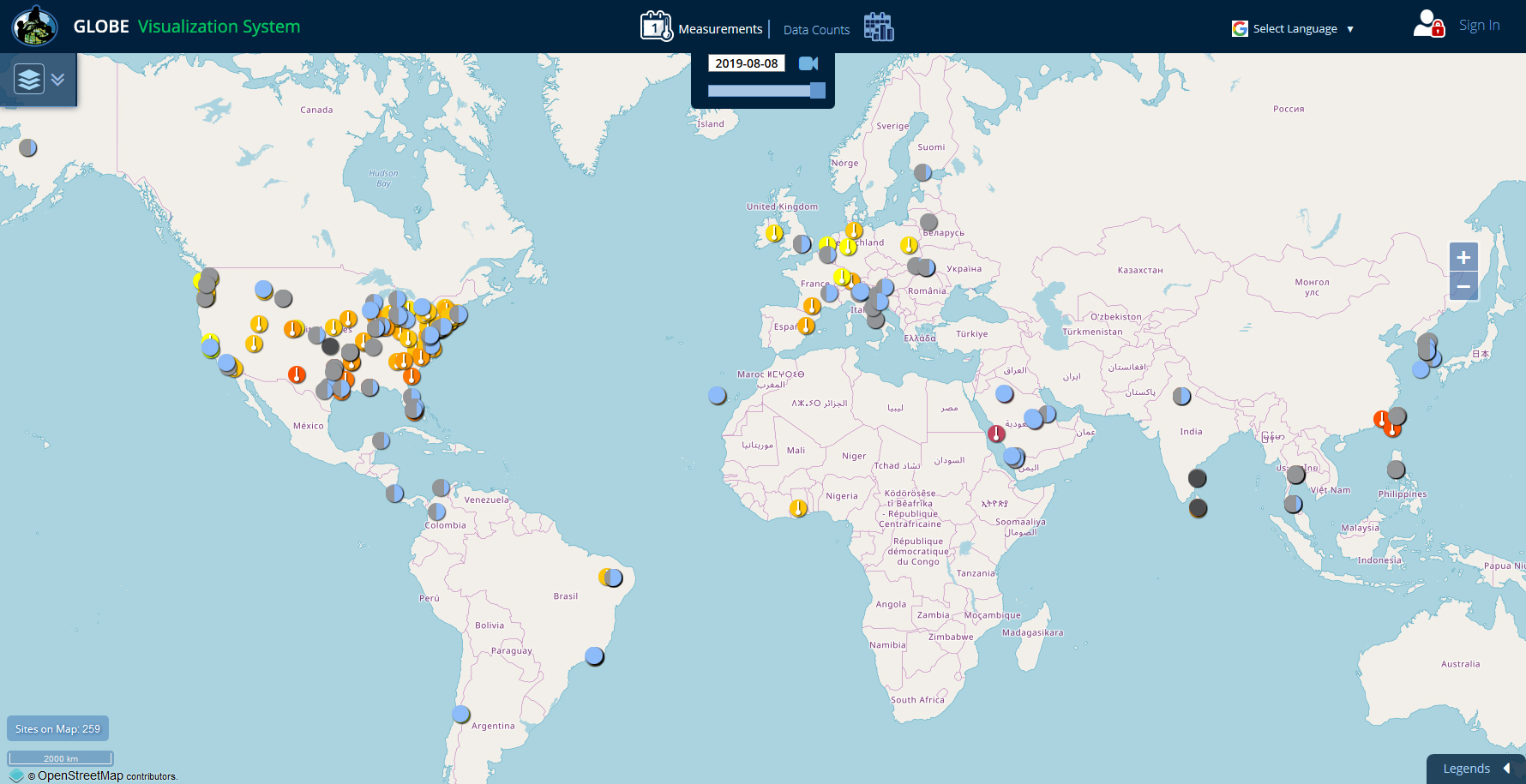
  • ​​​​​​​Visualization System - Good for viewing data on a map or chart and for comparing data from multiple sites.

  • ​​​​​​​Advanced Data Access Tool (ADAT) - Good for downloading large amounts of data to a spreadsheet.

  • ​​​​​​​GLOBE API - The GLOBE API is focused on supporting developers who want to use a programmatic interface to retrieve GLOBE data.


Analyze the Data and Create Reports

Discover student projects from around the world with GLOBE's easy-to-use database. From studies on bacteria in the Mississippi River to microplastics in the Adriatic Sea, students and teachers can browse a wealth of student-conducted research to spark their next scientific inquiry. They can also filter the reports through various search parameters to find exactly what they are looking for.

Students with a GLOBE account can upload their own student research reports to share their results with the world.

​​​​​Learn more about Student Research Reports

Optional Task
A GLOBE team allows you to invite your audience group or community to participate in GLOBE as a collective under your organization. All data will be grouped together, so you will be able to see what individual participants contribute as well as the overall impact of the group’s observations.
​​​​​​​
  • Learn what GLOBE Teams are and how they are used.
  • Create as many teams as needed for your students / group participants.
  • Manage teams to setup the data period for the upcoming school year.
  • Access and share your GLOBE Team pages.